
Smart, connected software for growing healthcare
Jido is a modern technology ecosystem focused on building smart, scalable, and user-friendly digital solutions for healthcare facilities, clinic appointments, and doctor queue management.
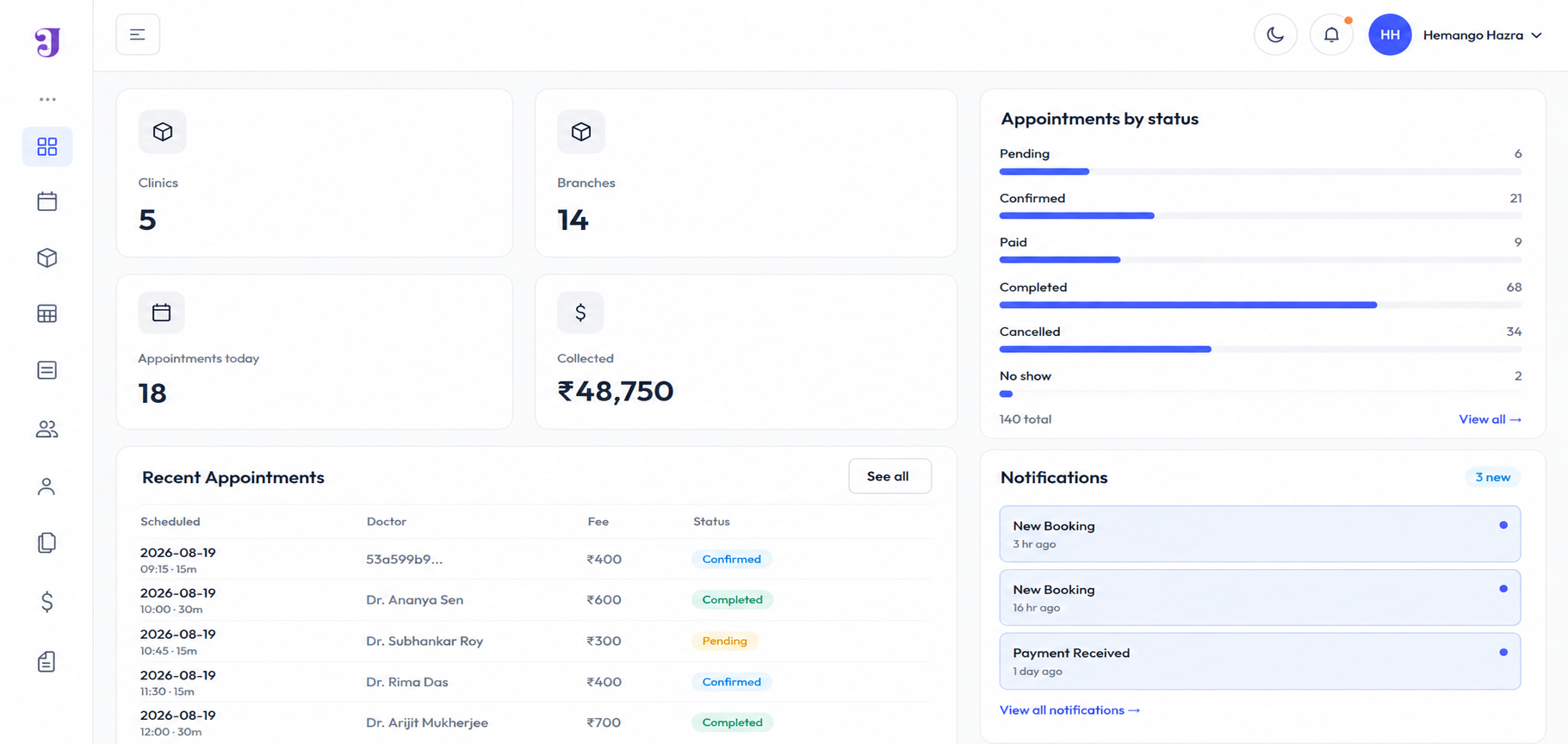
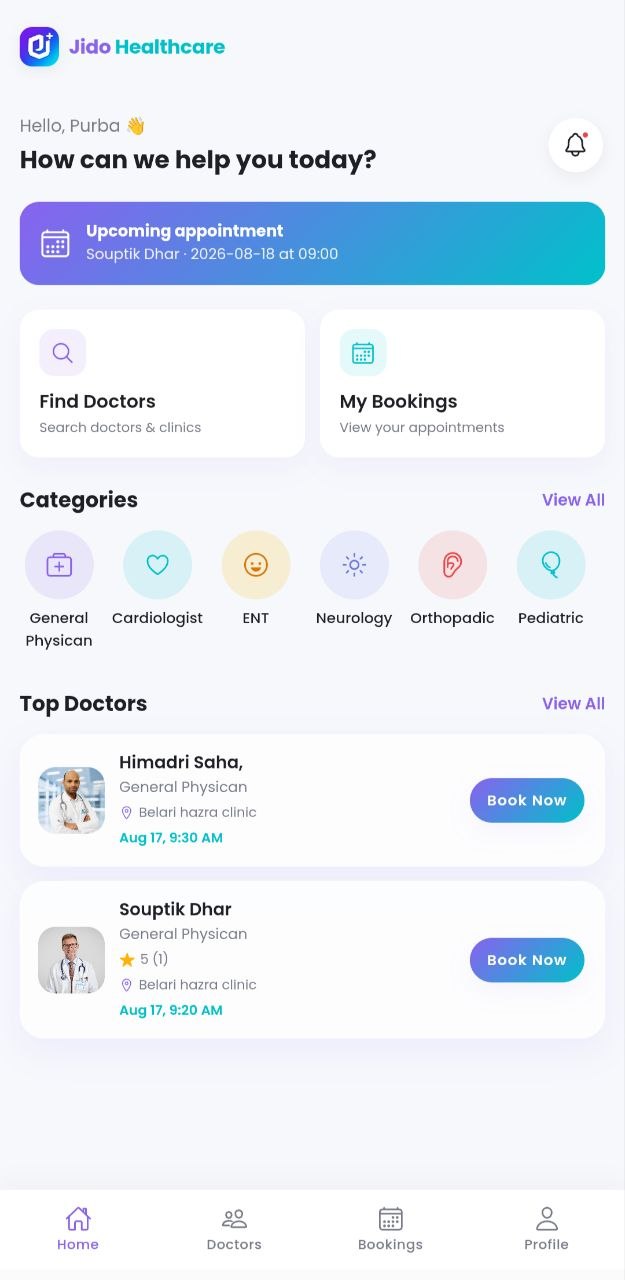
Why You Should Choose Jido Healthcare
Modern tools designed to deliver smooth consultation and clinic management.
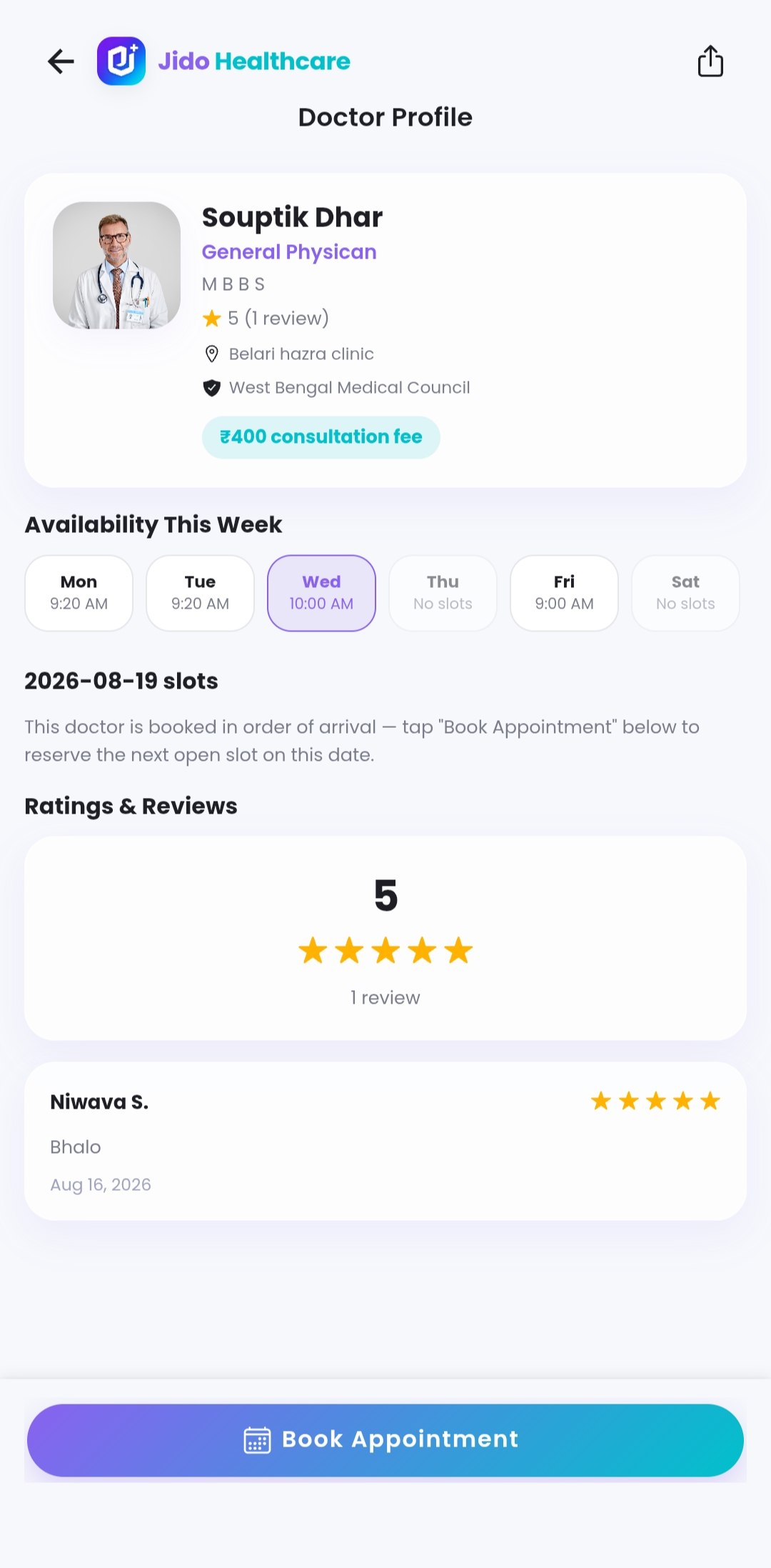
Verified Doctors
Search qualified specialists by qualification, council registration, and fee structure.
Real-time 30-Day Slots
Dynamic availability calendar with instant leave tracking and sequential queue booking.
Fast & Secure Pay
UPI, credit/debit card, and pay-at-clinic flexibility with instant receipt generation.
Multi-Branch Portal
Comprehensive admin controls to manage branch doctors, patient invites, and clinic details.
App Screenshots
Explore the intuitive screens crafted for iOS, Android, and mobile web.
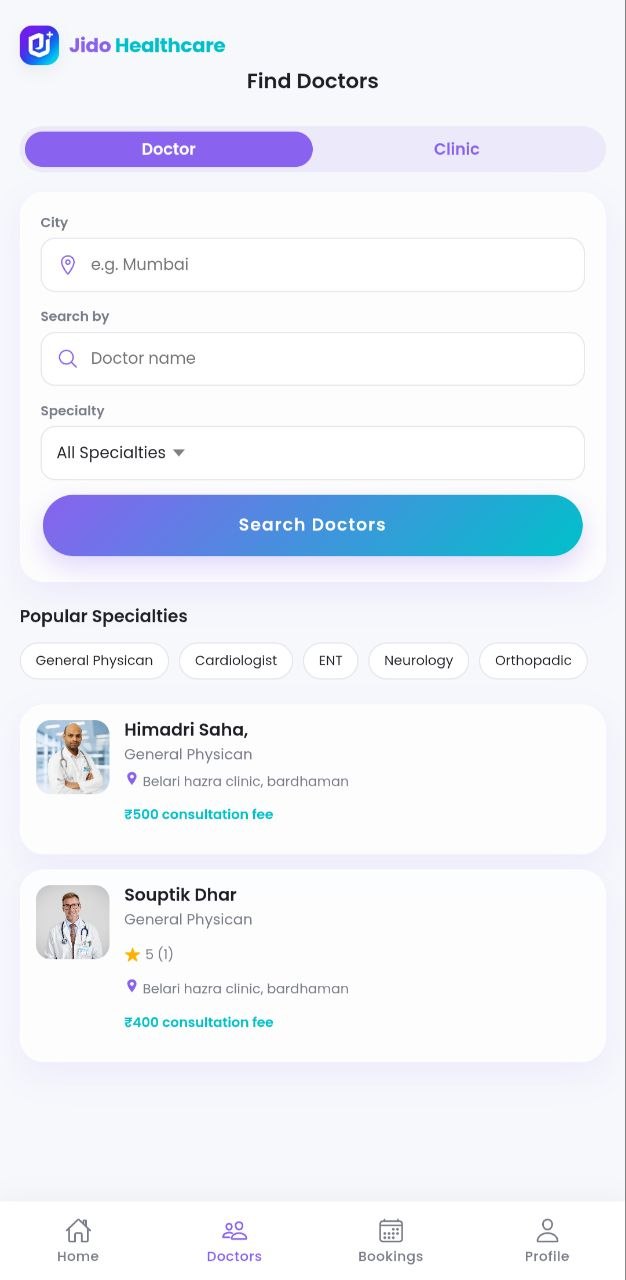
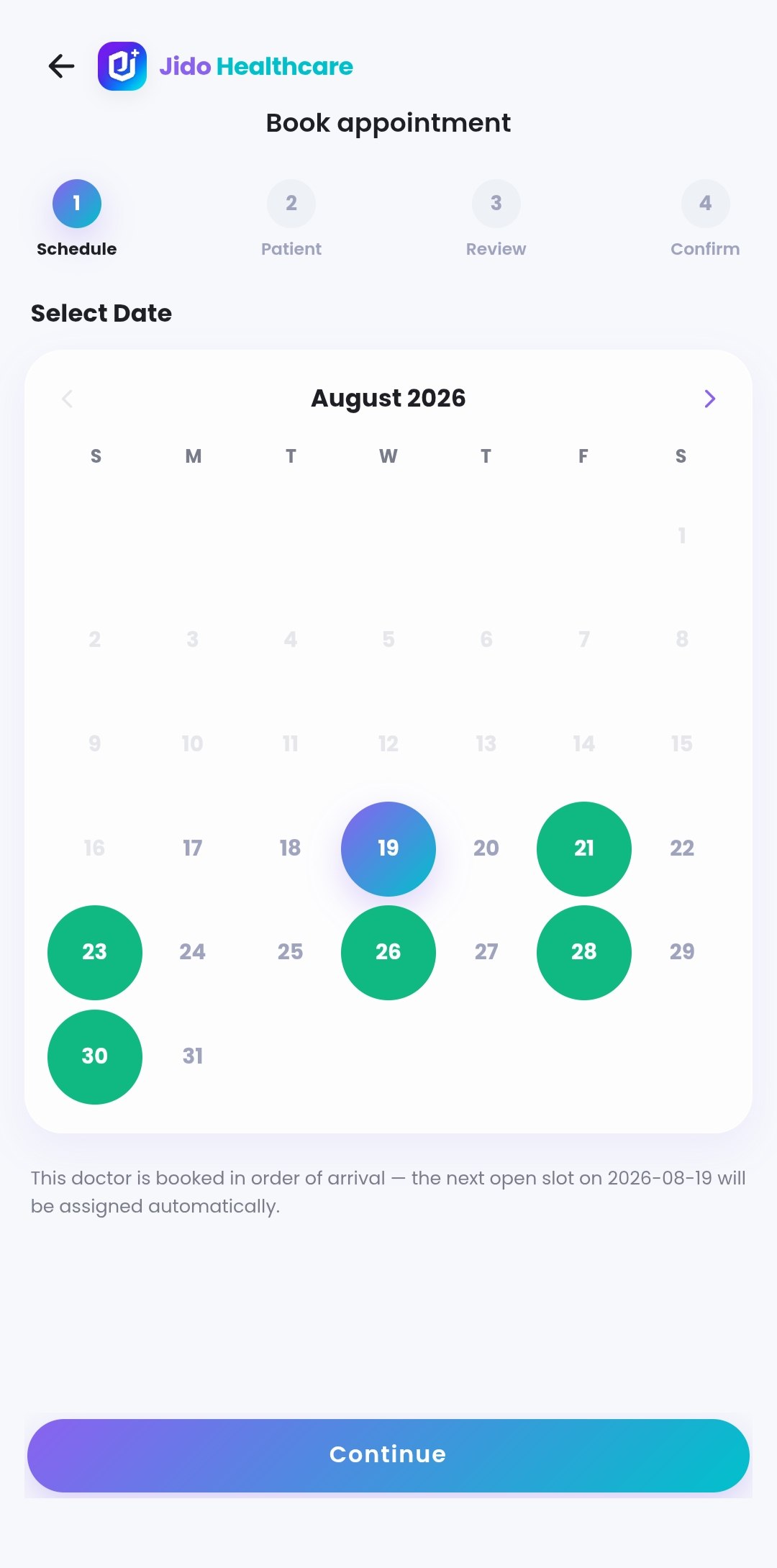
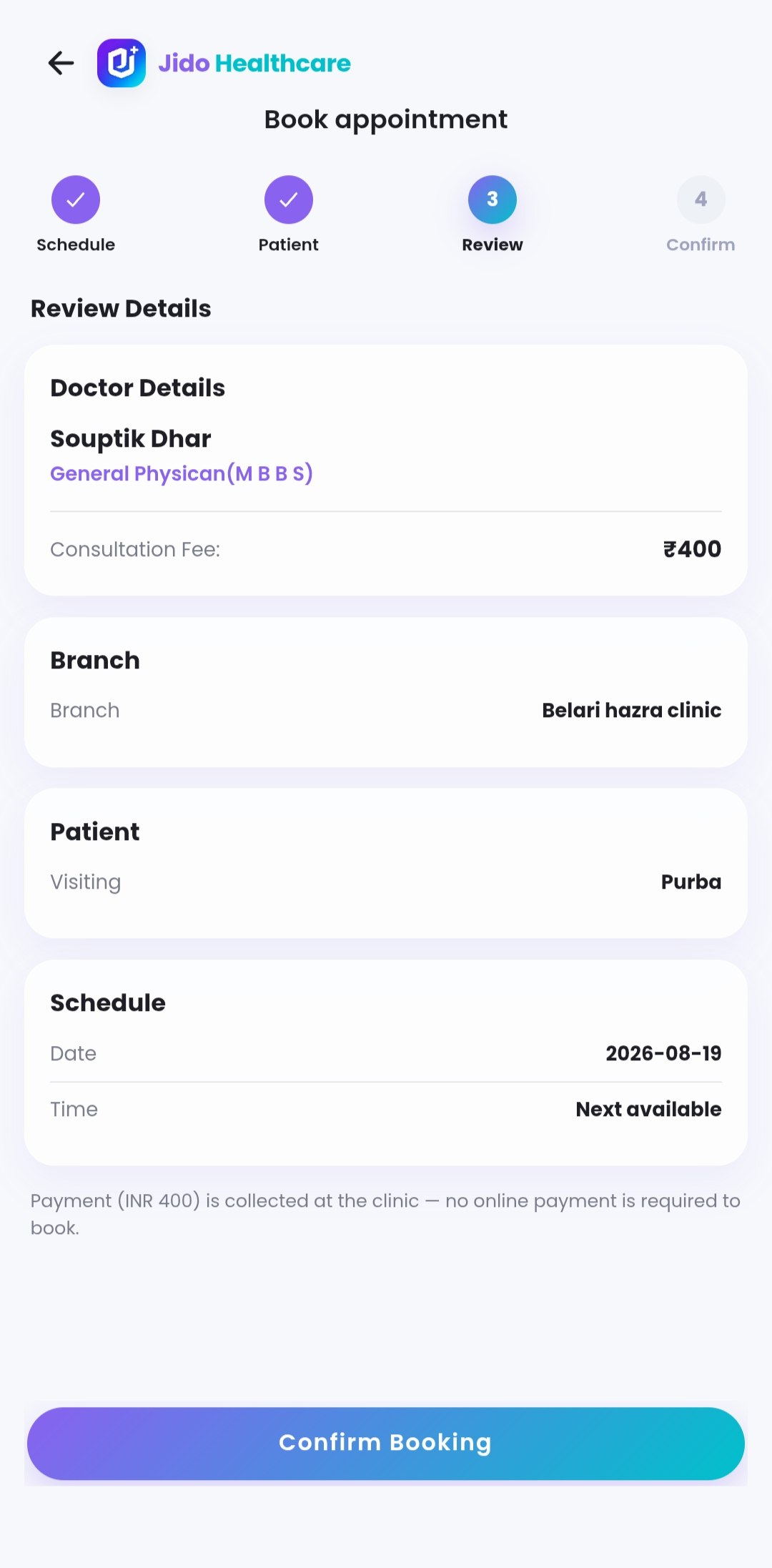
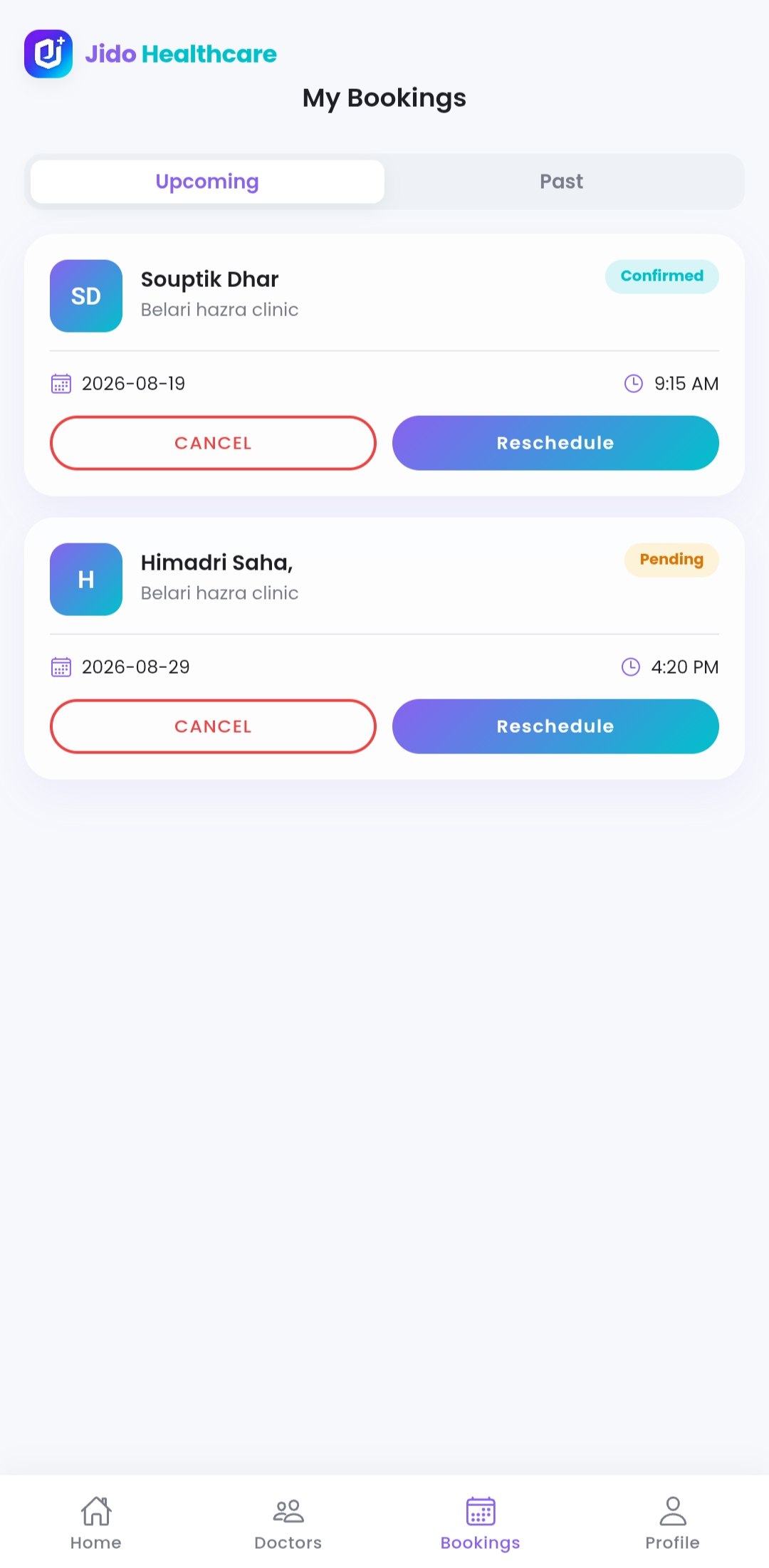
Very Easy To Use Just Following 3 Steps
Get started with Jido Healthcare in three simple steps. Our intuitive platform makes healthcare accessible to everyone.
- 01
Install This App
Download Jido Healthcare from the App Store or Google Play and create your account in seconds.
- 02
Login Or Signup
Create your profile, verify your details, and get ready to access quality healthcare services.
- 03
Search Your Doctor & Book
Find verified doctors by specialty, check real-time availability, and book your appointment instantly.
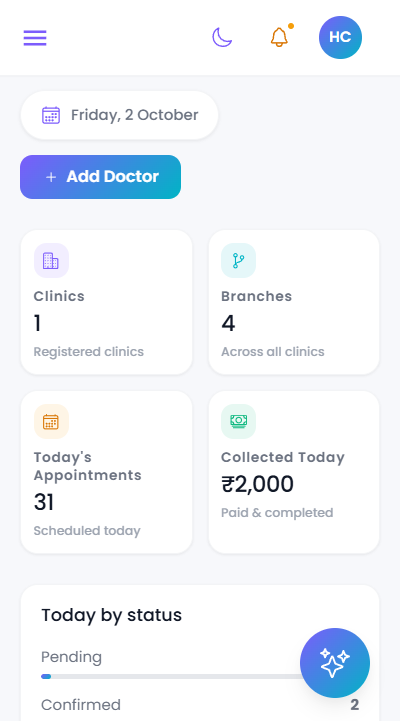
Empower Your Clinic in 3 Easy Steps
Streamline your clinic operations, patient queues, and appointment schedules with Jido Healthcare's powerful clinic management portal.
- 01
Register Your Clinic
Set up your clinic profile, configure multiple branch locations, and invite doctors & clinic staff.
- 02
Configure Doctors & Schedules
Assign doctors to branches, customize shift timings, configure slot limits, and manage consultation fees.
- 03
Manage Live Queues & Bookings
Track real-time patient queues, handle walk-in & online appointments seamlessly, and eliminate patient wait times.
Frequently Asked Questions
Have questions? We've got answers to help you navigate Jido Healthcare effortlessly.
Download and Start Booking Today
Experience fast, hassle-free healthcare appointments right at your fingertips.
- Free to download
- Verified doctors
- Instant booking